Pianoforall vs Playground Sessions: Which Should You Pick?
Quick answer
Pick Pianoforall ($49 one-time, 60-day refund) if you want chords, playing by ear and the lowest cost on any device. Pick Playground Sessions ($149.99 a year or $349.99 lifetime, 30-day refund) if you want MIDI note feedback and to learn to read music. Prices checked October 13, 2026.
We may earn a commission from links on this page, at no extra cost to you. Disclosure
Pianoforall and Playground Sessions are two of the few piano courses for adults that let you avoid paying every month forever. Pianoforall is a one-time course of ebooks with video. Playground Sessions is an interactive app with a lifetime plan. Short answer: pick Pianoforall for chords, playing by ear and the lowest cost; pick Playground Sessions for real-time feedback and learning to read music. All prices below were checked on the vendors' own pages on October 13, 2026. This is a research-based comparison, not a hands-on test.
Head-to-head at a glance
| Feature | Pianoforall | Playground Sessions |
|---|---|---|
| Price | $49 one-time | $24.99/month, $149.99/year or $349.99 lifetime |
| Cost over 1 year | $49 | $149.99 (annual) or $349.99 (lifetime) |
| Refund | 60 days | 30 days, full refund |
| Free trial | Academy "Test Drive", no card | Not stated on store page |
| Format | 10 ebooks with embedded video and audio, plus online Academy player | Interactive app with video tutorials and play-along band |
| Teaching approach | Chords, rhythm and by ear first; reading later | Reading sheet music, plus a chords course |
| Feedback | None | MIDI note detection, scores and badges |
| Songs | Styles taught through the course (rhythm, blues, ballads, jazz, classical) | Licensed pop, rock and classical songs; many copyrighted songs cost extra |
| Equipment | Any keyboard or piano | MIDI keyboard connected to the device |
| Devices | Windows, Android, Mac, iOS; offline; printable | Mac, PC, iPad (no Android) |
Vendor pages, October 13, 2026. Playground Sessions' pages differ on what the lifetime plan includes for songs, so confirm before buying.
Lower cost, chords first, 60-day refund. Pianoforall was $49 one-time at checkout on October 13, 2026.
See Pianoforall →Paid link · opens the vendor's sales page.
How they teach: chords first vs reading first
The biggest difference is the starting point: Pianoforall teaches chord shapes and rhythm first, while Playground Sessions teaches you to read notes on a scrolling score.
Pianoforall, by Robin Hall and online since 2006 according to the vendor, starts with party-style rhythm piano. It then moves through blues and rock'n'roll, chord inversions, ballads and improvisation, jazz, and later classical pieces and sight-reading. The idea is to make music early, then add reading once you are hooked.
Playground Sessions uses a Rookie-to-Advanced bootcamp with video tutorials. You play along with a scrolling score while the app checks your notes. A separate course covers playing chords.
Neither approach is "correct." If you want to accompany singing or play pop songs from chord charts, chords first gets you there with less friction. If you want to play written pieces note for note, reading first builds that skill directly. Our guide to piano by ear vs reading music covers this choice in depth.
Feedback and equipment
Playground Sessions listens to every note you play; Pianoforall cannot, and that is the main trade-off.
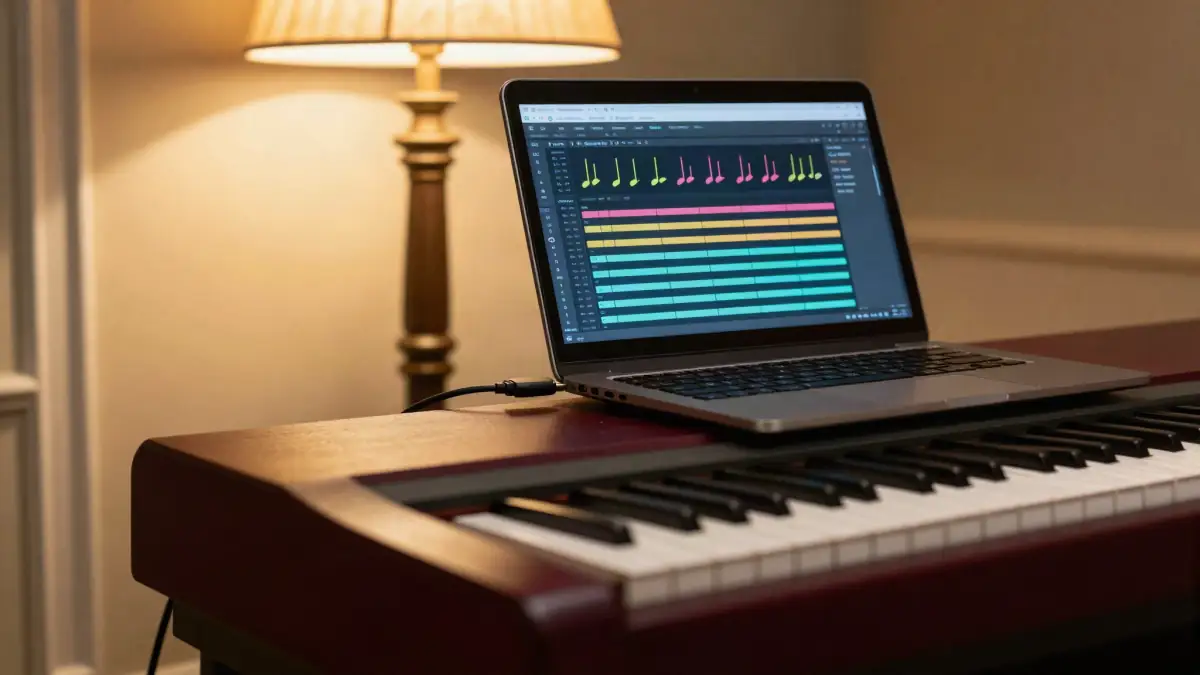
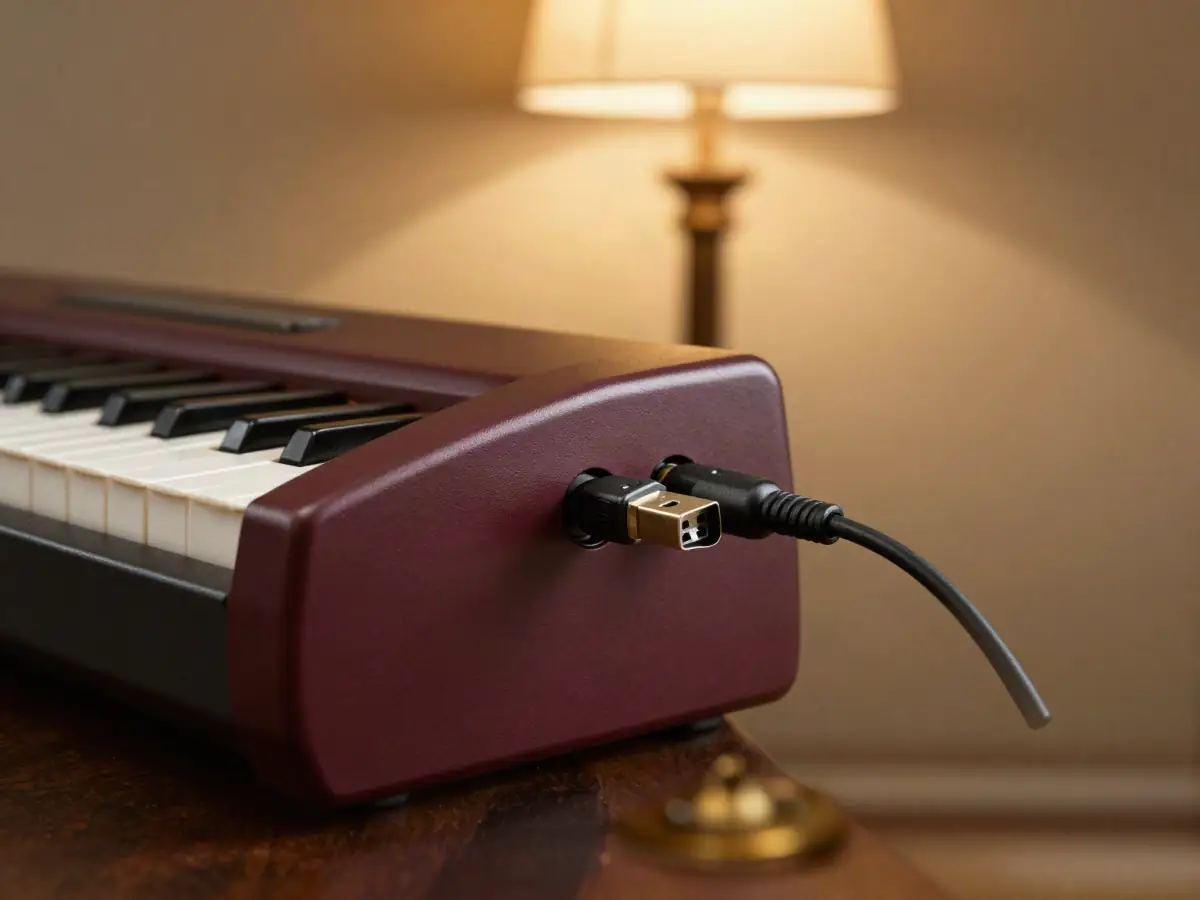
Playground Sessions needs a MIDI keyboard connected to a Mac, PC or iPad. In return you get instant scoring, accuracy feedback and badges. For many adults, that game-style loop is what keeps them practicing. Some 2026 user reviews mention audio-latency issues on Windows after an app update, so check the current status if you use a PC.
Pianoforall is ebooks with embedded video and audio. There is no note detection and no teacher. It works with any keyboard, including an acoustic piano, and it runs offline. To catch mistakes, record yourself on your phone and compare it to the lesson videos.
Songs and styles
Playground Sessions is built around licensed songs; Pianoforall is built around styles you can apply to any song.
According to its store page on October 13, 2026, Playground Sessions' monthly and annual plans include 5 free songs per month, and the lifetime plan includes 40 free songs. Extra songs are $1.99 each, and classical songs are free. Another vendor page described the lifetime song terms differently, so check before you pay.
Pianoforall teaches patterns, such as rhythm styles, blues shapes and ballad voicings. Once you know them, you can play along with chord charts for songs you already love and sing along.
Want to play songs from chord charts and sing along? One payment, no MIDI keyboard needed (Oct 13, 2026).
See the Pianoforall course →Paid link · opens the vendor's sales page.
Price and refund
Pianoforall costs $49 once; Playground Sessions costs $149.99 for a year or $349.99 for lifetime, as of October 13, 2026.
Even Playground Sessions' lifetime plan costs about seven times Pianoforall's price. Paying monthly at $24.99 adds up to about $300 a year. That said, the extra money buys real-time feedback and a polished app, which Pianoforall does not have.
Refunds: Pianoforall offers 60 days through the vendor or ClickBank (clkbank.com). After checkout, it offers an optional "Classics By Ear" add-on for $49; you do not need it. Playground Sessions offers a 30-day full refund, and you can cancel subscriptions from account settings.
Range: how far each one takes you
Pianoforall covers a wider spread of styles, from rhythm piano to jazz and classical; Playground Sessions goes deeper on reading and song repertoire.
The vendor says Pianoforall includes 10 ebooks, about 300 video lessons and 25+ hours of video, though counts vary across its pages. Its later books cover jazz, advanced blues, classical and sight-reading. Playground Sessions' bootcamp goes from beginner to advanced levels, with the song library as the main way you keep progressing.
The downsides of each
Both have real weaknesses, and knowing them up front saves you a refund request.
- Pianoforall: no feedback, dated video production, lighter on formal reading than a reading-first app. Some third-party reviewers are critical. The vendor says its site is changing over to a newer online player at academy.pianoforall.com.
- Playground Sessions: needs a MIDI keyboard and a Mac, PC or iPad (no Android), copyrighted songs often cost extra, the free trial is not stated on the store page, and lifetime terms differ across vendor pages.
When to pick Playground Sessions instead
Playground Sessions is the better choice if feedback and reading matter more to you than cost. Pick it if:
- you want an app that tells you which notes you missed;
- scores, levels and badges keep you motivated;
- your goal is reading sheet music and playing written pieces;
- you already own a MIDI keyboard and a Mac, PC or iPad.
Verdict
For most adults who want to play songs with chords and pay once, Pianoforall is the better value; for adults who need feedback to stay on track, Playground Sessions is worth the higher price. Pianoforall costs far less, works on any device and keyboard, and teaches by ear first. Playground Sessions gives you the feedback loop Pianoforall lacks.
If you are unsure, try both free starting points: Pianoforall's Academy "Test Drive" needs no card. Then compare refund windows before buying. For the wider field, see the best 5 online piano courses for adults, Pianoforall vs Flowkey, and our full Pianoforall review. Want a quick win first? Try your first three chords tonight.
Money-Back
60 days to decide
Pianoforall's refund window is twice Playground Sessions' 30 days. Request a refund from the vendor or through ClickBank at clkbank.com. Terms checked October 13, 2026.
Our pick for chords, by-ear playing and one payment. Research-based, not a hands-on test.
Choose Pianoforall →Paid link · opens the vendor's sales page.
Sources (checked October 13, 2026)
- Playground Sessions memberships and FAQ (prices, refund, devices, songs).
- Pianoforall terms of use and ClickBank checkout ($49 one-time, 60-day refund).
- Pianoforall Academy course list (Test Drive, add-ons).
- Pianoforall FAQs (devices, refunds).
Frequently asked questions
Is Pianoforall or Playground Sessions better for beginners?
Pianoforall suits beginners who want chords and songs first at low cost. Playground Sessions suits beginners who want an app that checks their notes and teaches reading.
How much does Playground Sessions cost?
On October 13, 2026 its store listed $24.99 a month, $149.99 a year or $349.99 lifetime, with a 30-day full refund.
Does Pianoforall give feedback on my playing?
No. It is ebooks with embedded video and audio, with no note detection or teacher. Recording yourself and comparing to the videos is the usual workaround.
Do I need a MIDI keyboard for Playground Sessions?
Yes, for its note detection. It runs on Mac, PC and iPad. Pianoforall works with any keyboard or acoustic piano.
Which has the better refund policy?
Pianoforall offers 60 days through the vendor or ClickBank. Playground Sessions offers a 30-day full refund.
Can I use Playground Sessions on Android?
Its store page FAQ lists Mac, PC and iPad, not Android. Pianoforall works on Android through the free Kotobee Reader.
More from the blog
Best 5 Online Piano Courses for Adults in 2026
Pianoforall, Pianote, Playground Sessions, Flowkey and Piano Marvel compared on 1-year cost, refunds, by-ear vs reading and devices. Prices Oct 13, 2026.
Play Your First 3 Chords Tonight (C, F, G) in 15 Minutes
Learn C, F and G piano chords in 15 minutes: find middle C, finger numbers, exact notes, smooth inversions, left-hand bass and a simple rhythm.

Is Pianoforall Worth It? An Honest Buyer's Guide for 2026
Is Pianoforall worth $49? Objections (dated look, no feedback, ebooks, Academy move), price math vs subscriptions, who should skip it, refund steps.