Best Cheap Keyboard for Beginners: A No-Affiliate Buying Checklist
We may earn a commission from links on this page, at no extra cost to you. Disclosure
Quick answer
For most adult beginners, the best cheap keyboard is an 88-key digital piano with weighted or hammer-action keys, touch sensitivity, a sustain pedal input and a headphone jack, usually about $400 to $700 new. On a tight budget, a 61-key touch-sensitive keyboard with a pedal input, often about $100 to $200, works for a chords-first start. Prices vary by retailer and date.
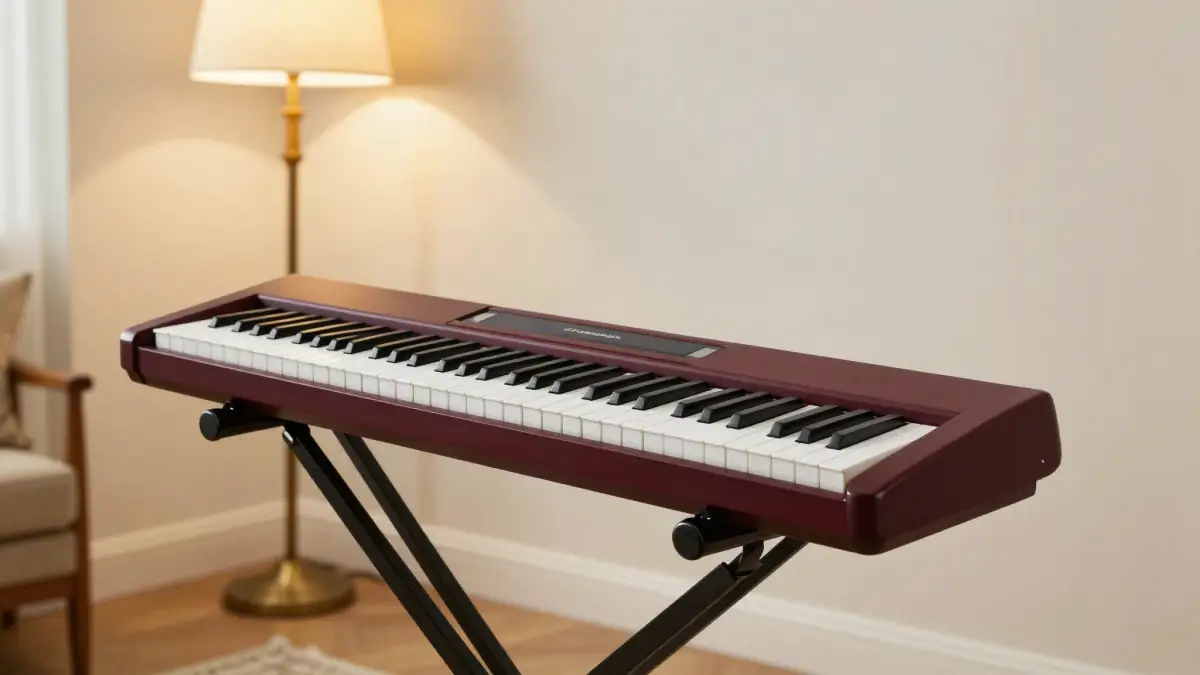
Quick answer: The best cheap keyboard for most adult beginners is an 88-key digital piano with weighted or hammer-action keys, touch sensitivity, a sustain pedal input and a headphone jack, which usually costs about $400 to $700 new. On a tighter budget, a 61-key touch-sensitive keyboard with a sustain pedal input (often about $100 to $200) is fine for a chords-first start. Prices vary by retailer and date, so always check the current price.
No affiliate links to keyboards on this page. We do not earn anything from the keyboard you choose. The only paid links here point to a piano course, for once you have an instrument.
The beginner keyboard checklist
Six features matter far more than brand, built-in sounds or flashing lights. Use this checklist when you compare any two keyboards.
| Feature | Why it matters | Priority |
|---|---|---|
| Touch-sensitive keys | Harder press = louder note; without it you cannot learn dynamics | Must have |
| Sustain pedal input | Almost every piano style uses the sustain pedal | Must have |
| Headphone jack | Practice any time without disturbing anyone | Must have |
| Weighted or hammer action | Keys feel closer to an acoustic piano and build finger strength | Strongly recommended |
| 88 keys | Full range; nothing you learn will run off the end | Recommended, 61 is a workable start |
| USB-MIDI connection | Connects to apps and computers for note detection and recording | Nice to have |
If a listing does not clearly mention touch sensitivity, a sustain pedal input and a headphone output, check the manufacturer's spec page before buying.
61 keys vs 88 keys
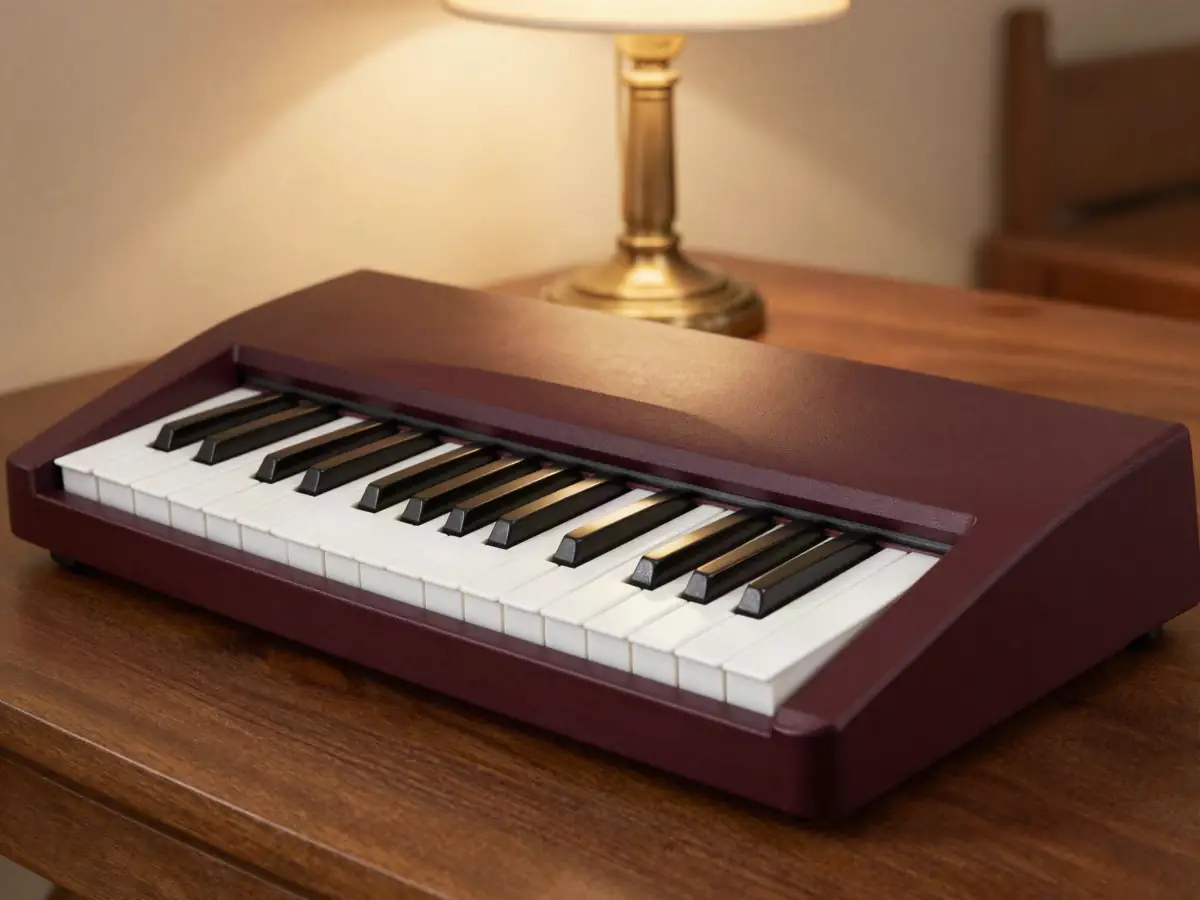
61 keys are enough to learn chords and most pop songs; 88 keys are better if you plan to play classical music or stay with piano long-term. A full piano has 88 keys. A 61-key keyboard covers five octaves, which handles chord accompaniment, melodies and most beginner material.
The bigger difference is usually the key feel, not the key count. Most 61-key models have light, unweighted keys. If you later move to a real piano, expect an adjustment period. If space or budget is tight, a 61-key keyboard now and an upgrade later is a reasonable plan.
Weighted, semi-weighted and hammer action
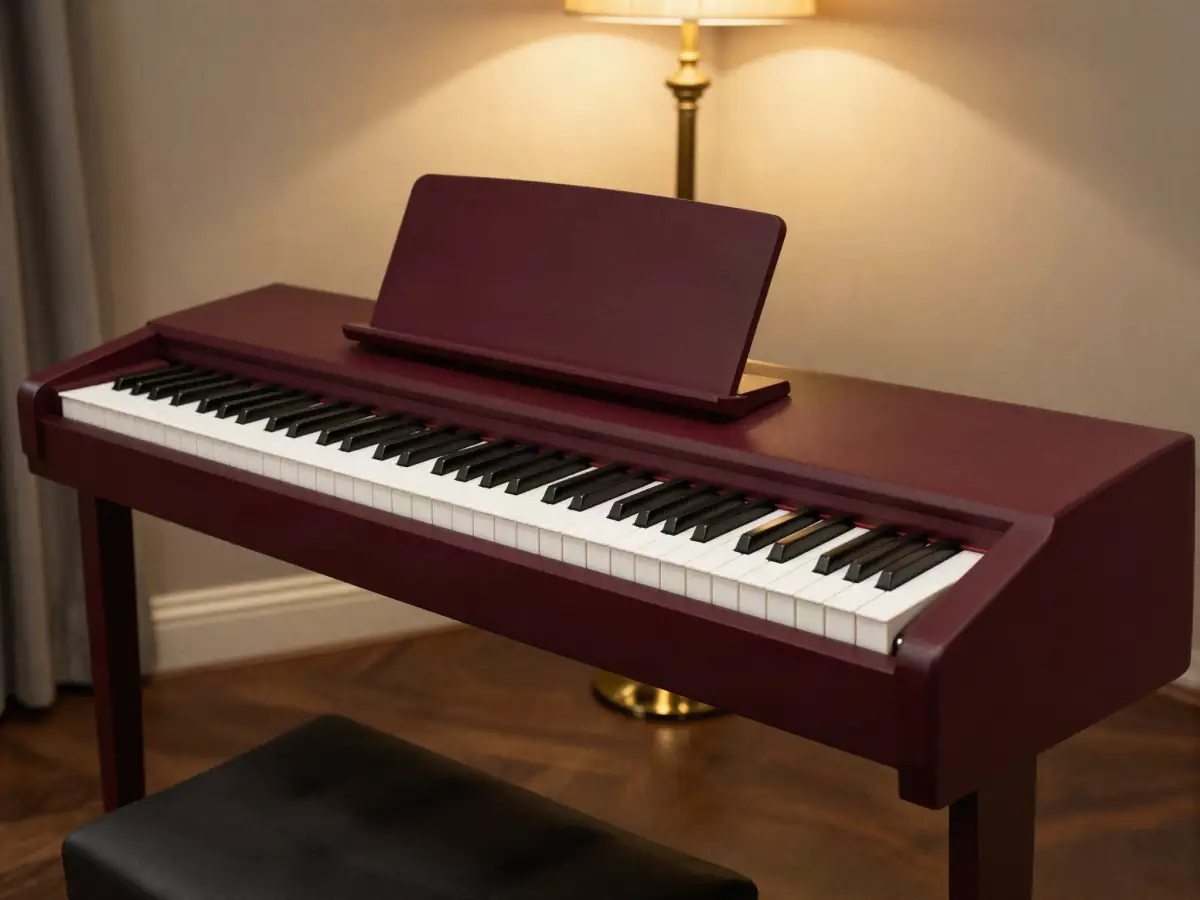
Weighted keys resist your fingers the way acoustic piano keys do, and that builds the control you need later. There are three common types, and listings use the terms loosely.
- Unweighted (synth-action): light and springy, typical on cheap 61-key keyboards.
- Semi-weighted: some resistance, but not the same feel as a piano.
- Hammer action (fully weighted): heavier in the low notes and lighter in the high notes, like an acoustic piano. This is the target for serious practice.
If you can, try a few keyboards in a store before ordering online. Five minutes of playing tells you more than a spec sheet.
Once you have a keyboard: Pianoforall is a chords-first course that works on 61 or 88 keys. It is 10 ebooks with embedded video and audio ($49 one-time, 60-day refund window, checked October 13, 2026).
See what's inside →Paid link · opens the vendor's sales page.
What you get at each price
For most adults, the best value sits in the about $400 to $700 band, where entry 88-key digital pianos with weighted action live. The ranges below are rough and new-price only. Prices vary by retailer, region, bundle and date.
| Price band (new, approximate) | What you typically get | Good for |
|---|---|---|
| Under about $100 | Small keys or no touch sensitivity, often no pedal input | Kids' toys; avoid for real lessons |
| About $100–$200 | 61 full-size, touch-sensitive keys; pedal and headphone jacks on many models | Chords-first start on a tight budget |
| About $200–$400 | Budget 88-key models, often semi-weighted | Full range when money is tight |
| About $400–$700 | 88 weighted or hammer-action keys, decent piano sound, USB | The sweet spot for most adult beginners |
| About $700 and up | Better key action, stronger speakers, furniture-style cabinets | Long-term players and shared family use |
Remember to budget for a stand, a bench and a sustain pedal if they are not included. A proper pedal and a stable stand change how a cheap keyboard feels to play.
Example entry models to look at
These widely known models are examples of the entry 88-key tier, not recommendations. Specs and versions change, so check the current key action, included accessories and current price on the manufacturer's page and at more than one retailer.
| Model (example) | Tier | What to check before buying |
|---|---|---|
| Yamaha P-45 / P-145 | Entry 88-key digital piano | Which version is in stock; pedal type included; check current price |
| Casio CDP-S110 | Entry 88-key digital piano | Included pedal and stand; check current price |
| Roland FP-10 | Entry 88-key digital piano | Stand compatibility; check current price |
| Alesis Recital (and Recital Pro) | Budget 88-key keyboard | Key action differs between versions; check current price |
Read a few recent buyer reviews from different retailers for any model you shortlist, and look for comments about key noise, pedal quality and returns.
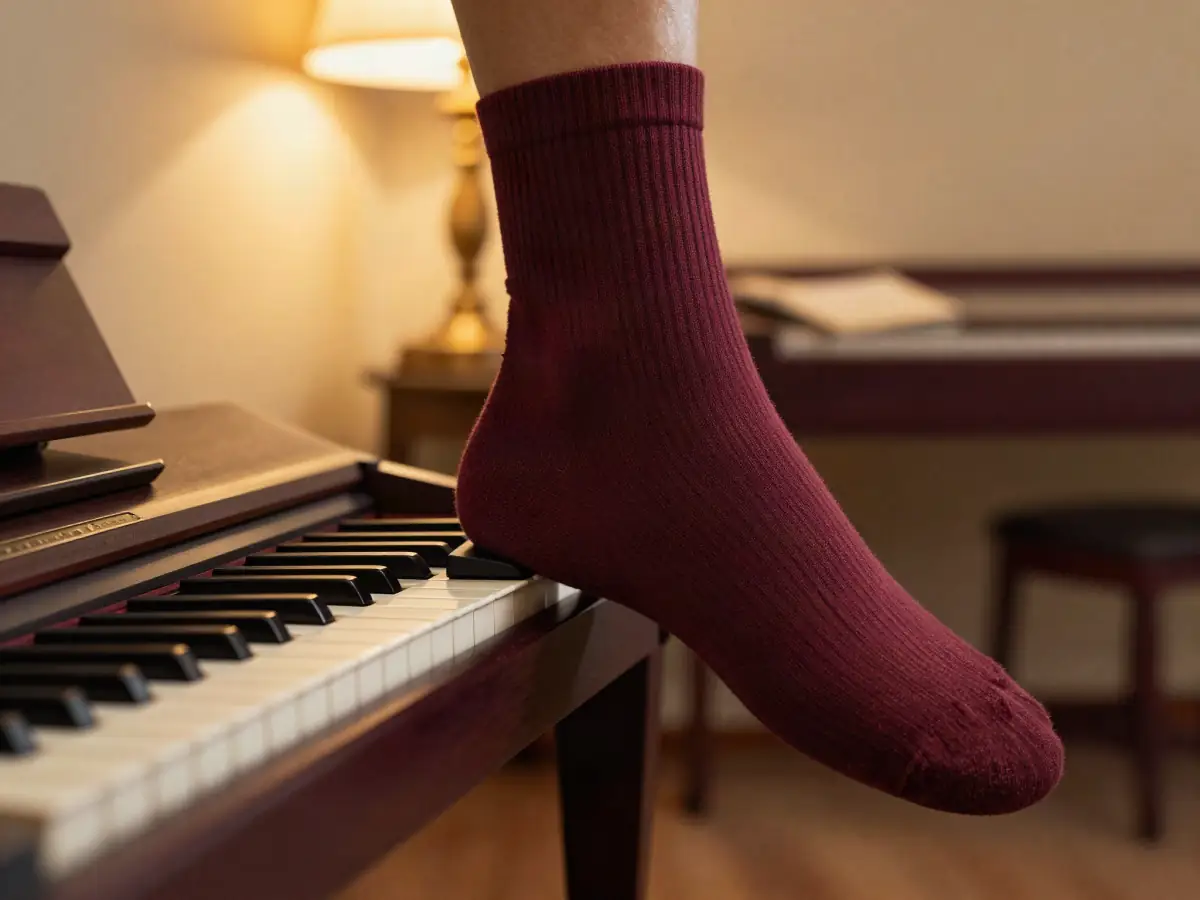
Sustain pedals and touch sensitivity
A keyboard without a sustain pedal input will hold you back within weeks. The pedal lets notes ring after you lift your fingers, which smooths chord changes and is used in ballads, pop, gospel and classical music alike.
Many keyboards ship with a small square footswitch. It works, but it can slide around on the floor. A piano-style pedal is a cheap upgrade that feels more natural. Touch sensitivity matters just as much: it is how you learn to play softly and loudly, which is most of what makes playing sound musical.
Have the keyboard, need the lessons? Pianoforall starts with chords and rhythm, then blues, ballads, jazz and classical. About 300 video lessons, according to the vendor.
See the lesson order →Paid link · opens the vendor's sales page.
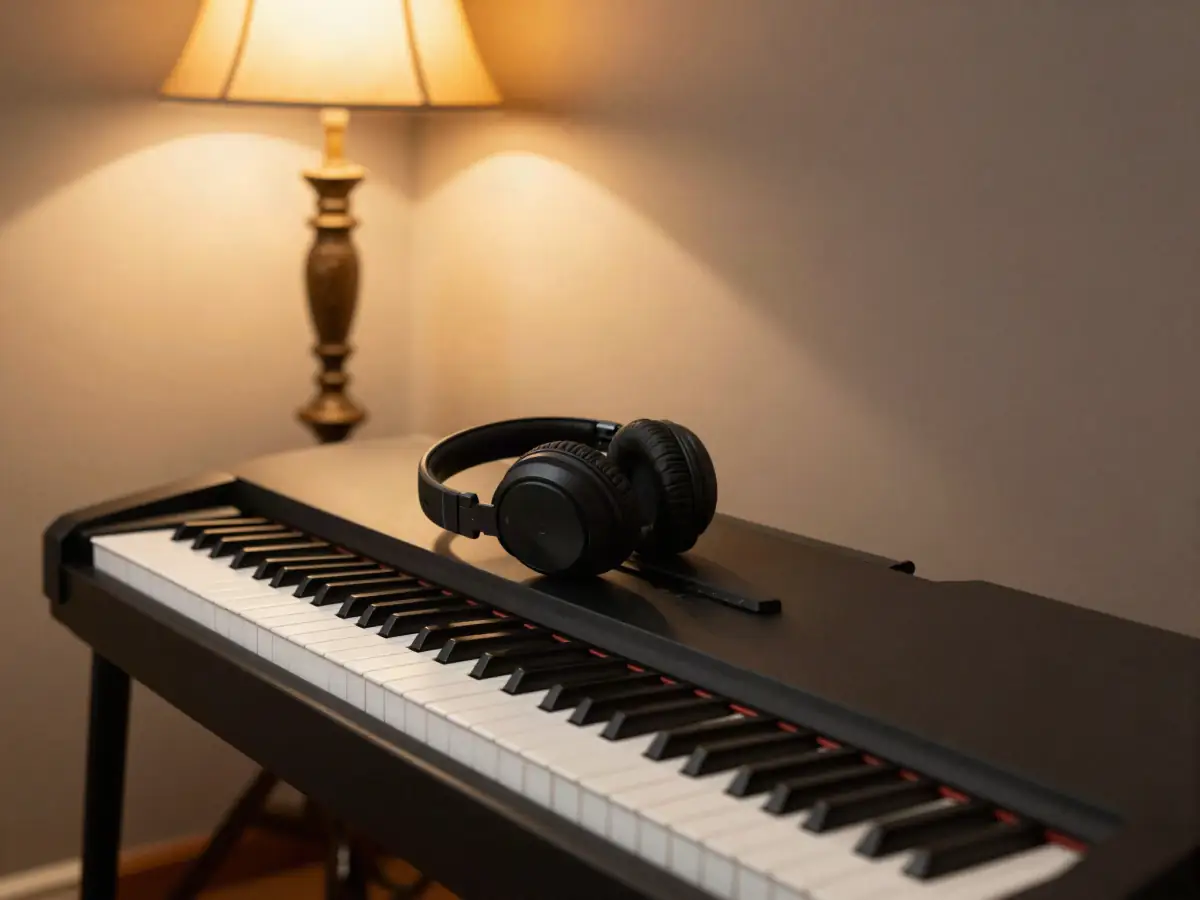
Headphones and USB-MIDI
A headphone jack is what makes daily practice realistic in a shared home. Late-evening practice is often the only free slot adults have, and headphones remove the worry about waking anyone.
USB-MIDI lets the keyboard talk to a computer, tablet or phone. You need it if you plan to use apps that detect the notes you play, such as Flowkey, Piano Marvel or Playground Sessions. Some apps can listen through a microphone instead, but a cable connection is usually more reliable.
What to avoid
Most regret purchases fail on one of a few basic points. Skip any keyboard that matches these red flags.
| Red flag | Why it is a problem |
|---|---|
| Mini or narrow keys | Your hand positions will not transfer to a real piano |
| No touch sensitivity | Every note plays at the same volume |
| No sustain pedal input | You cannot learn pedaling at all |
| Fewer than 61 keys | Many beginner songs will not fit |
| Hundreds of sounds, few key specs listed | Often a toy-grade instrument with good marketing |
| Wobbly stand | Makes chords feel harder; spend a little on a solid stand |
A virtual piano on a phone or laptop screen is not a substitute. You need real keys to build finger coordination.
One payment, no subscription. Pianoforall costs $49 once and works offline on Windows, Mac, iOS and Android, with a 60-day refund window (checked October 13, 2026).
Check the current price →Paid link · opens the vendor's sales page.
Buying a used keyboard
A used digital piano can save a lot of money if you test it properly. Bring headphones and check these points before paying.
| Check | How to test it |
|---|---|
| Every key | Play each key softly and loudly; listen for dead, sticky or uneven notes |
| Sustain pedal | Plug in a pedal and confirm notes ring on |
| Outputs | Test the headphone jack and both speakers |
| Power | Confirm the power adapter is the correct one for the model |
| Features | Look up the model name and compare it with the checklist above |
Your first week with the keyboard
Set the keyboard at a height where your forearms are roughly level with the keys, and sit far enough back that your elbows can move freely. Then learn three chords. Our post on your first three piano chords walks through C, F and G. For a practice routine, see how to learn piano as an adult, and for choosing a learning style, see piano by ear vs reading music.
When you are ready to pick a course, our Pianoforall review covers its contents and honest trade-offs: no note detection, no live feedback, and dated video style, at a one-time price.
Keyboard set up? See the 10 ebooks, the free online Test Drive and the refund terms on the vendor's page.
See Pianoforall →Paid link · opens the vendor's sales page.
Frequently asked questions
Is a 61-key keyboard enough for a beginner?
Yes, for learning chords, melodies and most pop songs. Choose one with full-size, touch-sensitive keys and a sustain pedal input. If you plan to play classical music or stay with piano long-term, an 88-key weighted model is the better buy.
Do I need weighted keys to learn piano?
Not to start, but they help. Weighted or hammer-action keys feel closer to an acoustic piano and build finger control, so moving to a real piano later is easier.
How much should I spend on a beginner keyboard?
Roughly $100 to $200 gets a basic 61-key touch-sensitive keyboard, and about $400 to $700 gets an entry 88-key weighted digital piano. Prices vary by retailer, region and date, so check current prices.
What should I avoid in a cheap keyboard?
Avoid mini keys, keyboards without touch sensitivity, models with no sustain pedal input, and anything with fewer than 61 keys. A long list of built-in sounds does not make up for poor keys.
Do I need USB-MIDI?
Only if you want to connect to apps or a computer, for example apps that detect the notes you play. It is a nice extra, not a must for a chords-first start.
Can I learn piano on a virtual or on-screen piano?
No. You need physical keys to build finger coordination and hand positions. An on-screen piano is fine for looking up notes, not for practice.